
In the hyper-connected digital ecosystem of 2026, your devices are more than just tools; they are the gatekeepers of your identity, finances, and privacy. But there is a silent war raging in the background. Every single second, thousands of new malware variants and zero-day exploits are released into the wild.
The question is no longer “Do I need protection?” but rather, “How often should antivirus software be updated?” to keep pace with these invisible threats. If you think a weekly check is enough, you are leaving your digital front door wide open. This comprehensive guide explores the life-and-death importance of antivirus software update frequency in the modern age.
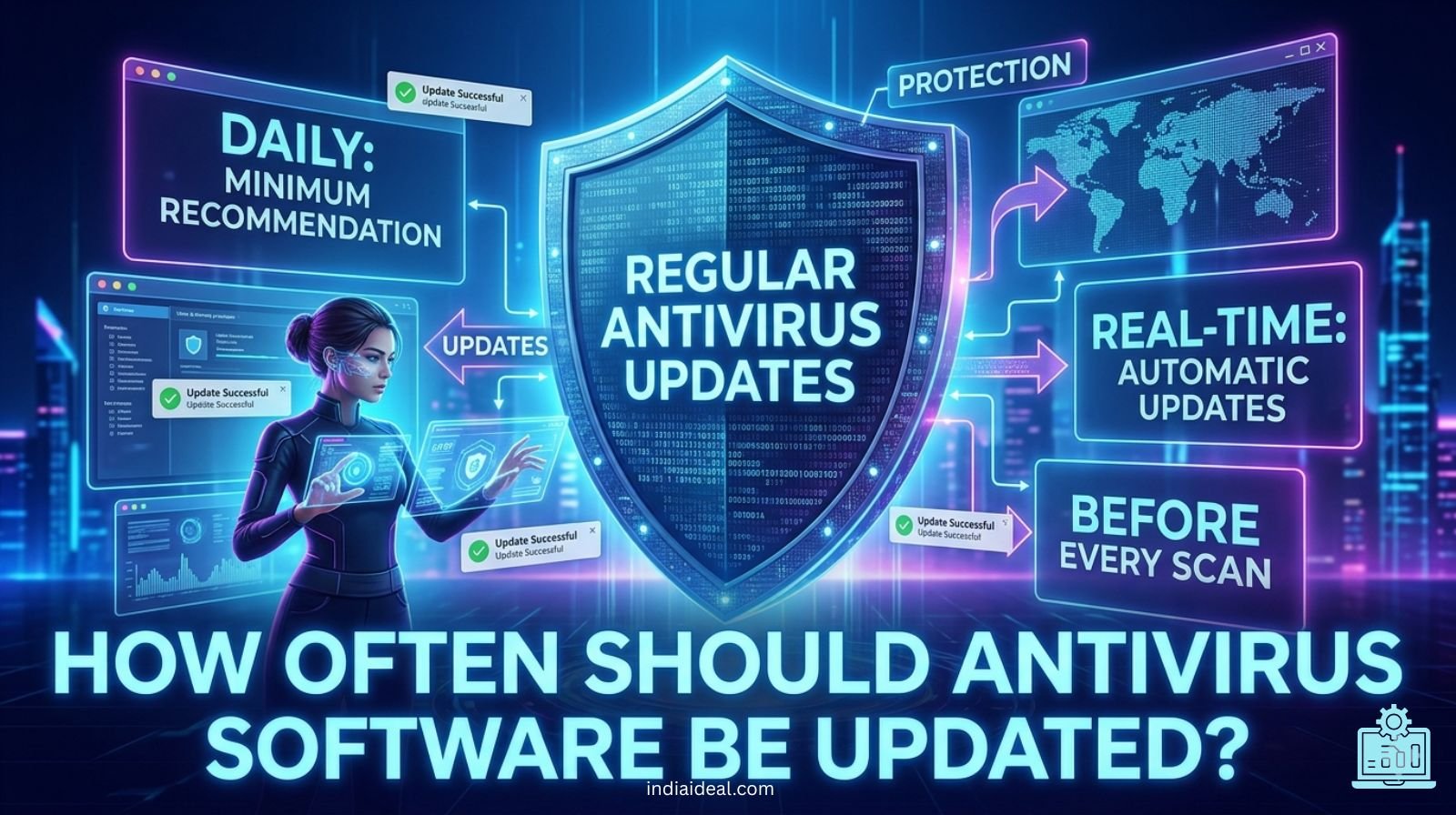
1. The Short Answer: Real-Time is the New Standard
If you are looking for a quick number, here it is: In 2026, your antivirus should be updated automatically and continuously.
- Cloud-Based Intelligence: Modern security suites use cloud-delivered protection, meaning they update their threat definitions every few minutes.
- Automatic Sync: Manual updates are a relic of the past. If your software isn’t syncing with its global database at least once every hour, you are at risk.
- The Golden Rule: The moment a new virus signature is identified by the lab, it should be on your machine.
2. Why “Daily” Updates Are No Longer Enough
A decade ago, daily updates were the gold standard. Today, the “window of vulnerability” has shrunk from days to milliseconds.
- Polymorphic Malware: Modern viruses can change their own code to evade detection. Constant updates are required to recognize these shifting patterns.
- Rapid Deployment: Hackers use AI-driven bots to spread infections globally in minutes. A 24-hour delay in your update could mean 24 hours of exposure to a global pandemic of code.
- Zero-Hour Threats: These are attacks that occur the same day a vulnerability is discovered. Real-time updates are the only shield against these lightning-fast strikes.
3. Understanding the Components of an Update
When your software says “Updating,” it isn’t just downloading one file. It is refreshing an entire defense system.
- Virus Definition Files (Signatures): This is the “Most Wanted” list for your computer. It tells the software exactly what known trojans, worms, and ransomware look like.
- The Scan Engine: This is the brain of the operation. Updates to the engine improve how the software searches for hidden threats without slowing down your CPU performance.
- Heuristic Algorithms: These updates allow the software to identify “suspicious behavior,” even if the specific virus isn’t on the list yet.
- Software Patches: These fix bugs within the antivirus itself, ensuring that the protector doesn’t become the gateway for an attack.
4. The Hidden Risk: Software vs. Definition Updates
It is a common mistake to confuse these two. Both are vital, but they serve different purposes.
- Definition Updates: These happen multiple times a day. They are small files that keep your threat database current.
- Program Updates (Version Updates): These happen less frequently (perhaps once a month). They upgrade the user interface, add new features like VPN integration, and patch critical security holes in the application itself.
Pro Tip: Never skip a reboot after a program update. Many security patches only “lock into place” once the system restarts.
5. Factors That Influence Update Frequency
While the general rule is “as often as possible,” certain factors might require you to be even more vigilant.
- Public Wi-Fi Usage: If you travel and connect to unsecure networks, your antivirus software needs to be on high alert with the freshest data.
- High-Risk Browsing: Users who frequent file-sharing sites or unverified forums are at a higher risk and should ensure real-time protection is never toggled off.
- Device Type: IoT devices and Android smartphones are increasingly targeted. Ensure these “background” devices are set to auto-update just like your main PC.
6. How to Verify Your Antivirus is Actually Updating
Don’t just take the software’s word for it. Occasionally, you should “inspect what you expect.”
- Check the Timestamp: Open your antivirus dashboard and look for “Last Update.” In 2026, if that timestamp is more than 4 hours old, something is wrong.
- Internet Connectivity: Ensure your firewall isn’t accidentally blocking the antivirus from reaching its home server.
- Subscription Status: An expired subscription is the #1 reason updates stop. A “free” antivirus that has stopped updating is more dangerous than no antivirus at all, as it gives a false sense of security.
7. The Role of AI in 2026 Antivirus Updates
We have entered the era of AI-driven cybersecurity. This technology has changed the “how” and “when” of updates.
- Predictive Analysis: Instead of waiting for a lab to send a file, your antivirus now uses Machine Learning (ML) to predict if a file is malicious based on its behavior.
- Micro-Updates: Instead of huge downloads, AI allows for “micro-updates” that consume less bandwidth while providing targeted protection.
- Behavioral Monitoring: The software learns your “normal” habits and can detect an anomaly the second it happens, acting as a living update.
8. Common Myths About Antivirus Updates
Let’s clear the air and correct some dangerous misinformation.
-
Myth 1: “Updates slow down my computer.”
- Reality: Modern cloud-based antivirus is incredibly lightweight. The risk of a ransomware attack slowing your computer to a permanent halt is far greater than a 2-minute update.
-
Myth 2: “I have a Mac, so I don’t need frequent updates.”
- Reality: This was true in 2005. In 2026, macOS malware is a thriving industry. Mac antivirus updates are just as critical as Windows updates.
-
Myth 3: “I’m careful about what I click, so I’m safe.”
- Reality: Drive-by downloads can infect your computer just by you visiting a legitimate website that has been compromised. Your behavior cannot replace a fresh security database.
9. Setting Up the Perfect Update Schedule
To ensure you are never the “weak link” in your own security, follow this 2026 checklist:
- Enable Auto-Update: This should be the first thing you do after installation.
- Scheduled Scans: Set a full system scan to run at least once a week during your downtime (e.g., 3:00 AM).
- Check Mobile Devices: Ensure your smartphone’s security app isn’t being “killed” by battery-saver modes, which often prevent background updates.
- Router Security: In 2026, your router is a target. Check for firmware updates at least once a month to protect your entire network.
10. The Financial and Personal Cost of Neglect
Why does update frequency matter so much? Because the cost of failure is astronomical.
- Ransomware Demands: The average ransom demand in 2026 has skyrocketed. A simple update could save you thousands of dollars.
- Identity Theft: Hackers don’t just want your money; they want your biometric data and social security numbers.
- Data Recovery: Even if you remove a virus, the cost of professional data recovery services is a burden no one wants.
Conclusion: Stay Fresh, Stay Safe
The digital world of 2026 is beautiful but treacherous. Your antivirus software is your primary line of defense, but it is only as strong as its latest update. By ensuring your security suite is updating in real-time or at the very least multiple times a day, you are doing more than just protecting a machine—you are protecting your digital life.
Don’t wait for a notification to tell you something is wrong. Take 30 seconds today to check your settings and ensure that “Auto-Update” is toggled on. In the world of cybersecurity, the freshest defense is the only defense.
Frequently Asked Questions (FAQs)
Q: Can I update my antivirus manually if I don’t have constant internet?
A: You can, but it is highly discouraged. If you are offline, your threat signatures become obsolete within hours. Try to connect at least once a day for a “sync.”
Q: Does Windows Defender update itself automatically?
A: Yes, Windows Defender updates through Windows Update. However, for maximum security, you should manually check for “Security Intelligence” updates within the Windows Security app if you suspect an infection.
Q: Is it okay to have two antivirus programs updating at the same time?
A: No. Multiple antivirus programs will conflict with each other, often causing system crashes or preventing updates from installing correctly. Stick to one high-quality premium security suite.
