
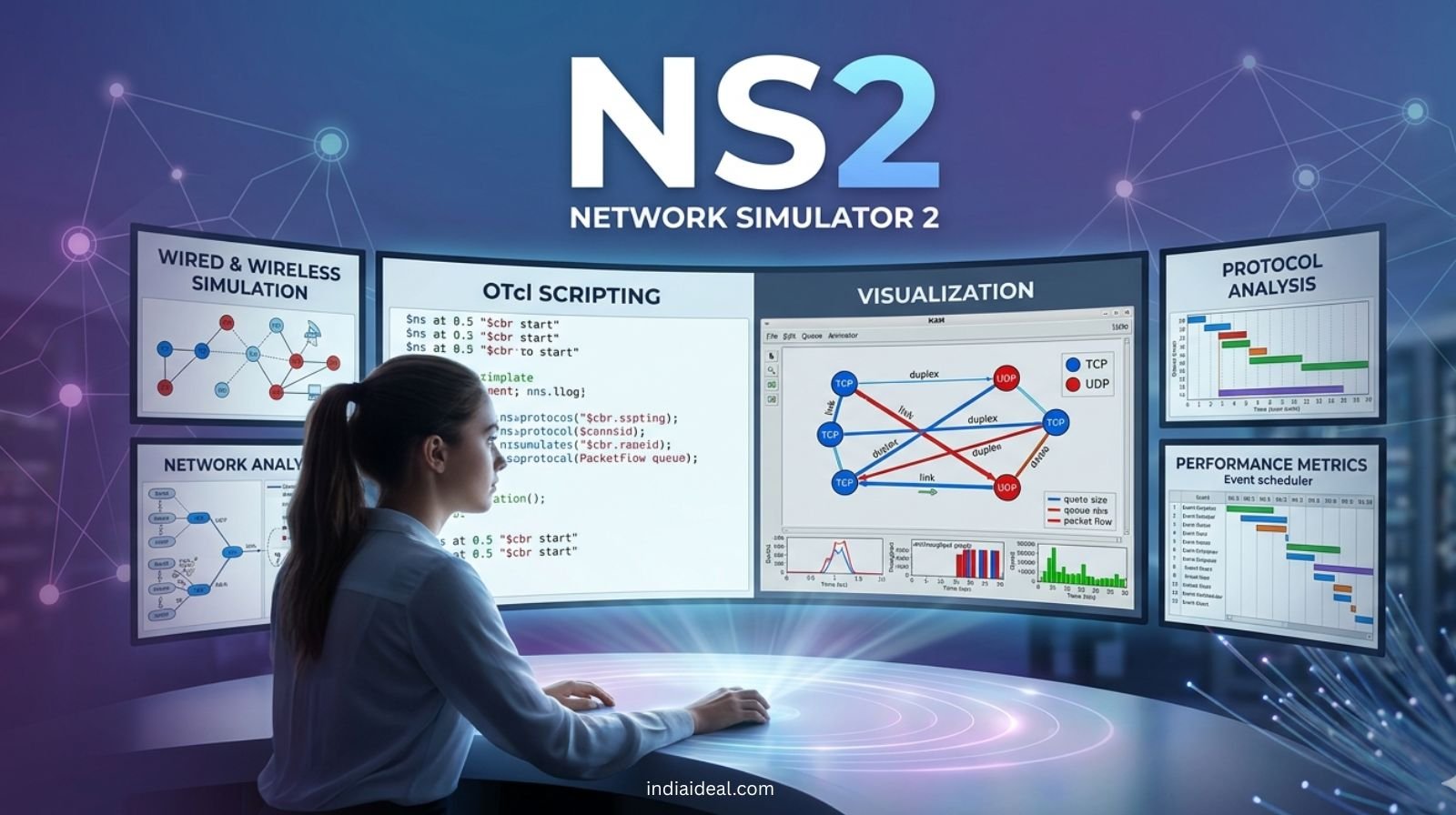
In the vast, interconnected world of network research and academic simulations, one name has stood the test of time despite the emergence of newer technologies: NS2 (Network Simulator 2). Whether you are a computer science student, a telecommunications researcher, or a software engineer curious about discrete event simulation, understanding NS2 is like learning the classical roots of a modern language.
In 2026, as we push toward 6G connectivity and hyper-dense IoT ecosystems, the foundational principles of packet switching, node behavior, and traffic analysis found in NS2 remain more relevant than ever. This blog is your deep dive into the world of NS2 software, its architecture, and its enduring importance in the tech world.
1. What is NS2 Software? The Basics Defined
At its core, NS2 is an open-source discrete event simulator targeted specifically at networking research. It provides substantial support for simulation of TCP, routing, and multicast protocols over wired and wireless (local and satellite) networks.
- Object-Oriented Design: It is built using a unique “split-language” architecture that balances speed and ease of use.
- Research Standard: For decades, NS2 has been the primary tool for validating new network protocols before they are deployed in the real world.
- Open Source Heritage: Being open-source, it allows researchers to modify the source code to create custom simulation scenarios.
2. The Dual-Language Magic: C++ meets OTcl
The most striking feature of NS2 software is its dual-language nature. This design was revolutionary when it was introduced and continues to be a point of study for software architects.
- The Backend (C++): This layer handles the “heavy lifting.” It is used for detailed protocol implementation and per-packet processing where execution speed is critical.
- The Frontend (OTcl): Short for Object Tool Command Language, this is used for setup and configuration. It allows users to define the network topology, schedule events, and link components without recompiling the entire software.
- The TclCL Link: This is the glue that binds C++ objects to their OTcl counterparts, allowing for a seamless flow of data between the “fast” engine and the “flexible” script.
3. Core Components of an NS2 Simulation
When you boot up NS2, you aren’t just looking at a single program; you are interacting with a suite of tools designed to mirror real-world networking.
- The Simulator Object: The “brain” that manages the scheduler and keeps track of simulation time.
- Nodes and Links: These represent the hardware. Nodes act as computers or routers, while links define the bandwidth, propagation delay, and error rates between them.
- Agents: These are the “active” parts of the network, such as UDP or TCP agents, which generate packets.
- Applications: These represent user behavior, such as FTP (File Transfer Protocol) or CBR (Constant Bit Rate) traffic.
4. Visualizing Data with Network Animator (NAM)
Raw data from a simulation is just a long list of numbers and timestamps. To make sense of it, NS2 utilizes NAM (Network Animator).
- Visual Debugging: NAM allows you to watch packets travel across the screen in real-time (or accelerated time).
- Topology Validation: It helps you instantly see if your node connections are configured correctly.
- Packet Drops: You can visually identify where congestion is occurring by watching “dropped” packets fall off the link in the animation.
5. Why NS2 Still Matters in the Age of NS3 and OMNeT++
Many ask, “Why use NS2 when NS3 or OMNeT++ exist?” While newer tools are more powerful for modern LTE/5G simulations, NS2 remains a pillar of the industry for several reasons.
- Legacy Protocols: Thousands of existing MAC layer and routing protocols are written exclusively for NS2.
- Educational Simplicity: The logic of OTcl scripting is an excellent way to teach students how a network stack actually functions.
- Computational Efficiency: For simpler topologies, NS2 is often faster to set up and requires fewer hardware resources than its successors.
- Community Knowledge: The sheer volume of documentation, forums, and tutorials available for NS2 is unmatched in the networking community.
6. Key Keywords and Technical Terms to Know
If you are writing a research paper or preparing for a technical interview, these NS2 keywords are essential:
- Trace Files (.tr): These files record every event (send, receive, drop) that happens during the simulation.
- NAM Files (.nam): The specific file format used to feed data into the Network Animator.
- Routing Algorithms: NS2 supports DSDV, DSR, AODV, and many more out of the box.
- Queue Management: It allows for testing of different queueing disciplines like DropTail, RED (Random Early Detection), and FQ (Fair Queueing).
7. How to Setup an NS2 Simulation: A Step-by-Step Logic
While we won’t write the code here, understanding the logical flow is vital for any software engineer or student.
- Initialization: Create a simulator object.
- Definition: Define the nodes and the characteristics of the links (bandwidth and delay).
- Agent Attachment: Attach a transport protocol (like TCP) to a source node and a sink to the destination.
- Traffic Generation: Setup an application (like FTP) to run over the transport agent.
- Scheduling: Tell the simulator when to start the traffic and when to stop the simulation.
- Analysis: Run the script, generate the trace file, and use AWK scripts or Python to extract performance metrics like throughput, latency, and jitter.
8. Real-World Applications of NS2
Where does NS2 software actually “live” in the professional world? Its impact is found in several high-tech domains.
- Academic Research: Majority of the groundbreaking papers on MANETs (Mobile Ad-hoc Networks) were validated using NS2.
- Protocol Development: Companies testing proprietary V2V (Vehicle-to-Vehicle) communication often start with simulation to save costs on physical hardware.
- Network Optimization: ISPs use simulation to predict how their infrastructure will handle a 10x surge in traffic before actually buying new routers.
- Security Testing: Simulating DDoS attacks in a safe environment to see how different firewall algorithms respond.
9. Challenges and Limitations of NS2
To be an expert, you must also know the limitations. NS2 software is not perfect.
- Learning Curve: The split-language (C++/OTcl) can be confusing for beginners who are used to modern, unified languages like Python or Java.
- Memory Management: Simulating massive networks with millions of nodes can lead to high memory consumption.
- Outdated Wireless Models: While it supports wireless, the newer physical layer models in NS3 are generally more accurate for 2026-era hardware.
Conclusion: The Foundation of Networking Mastery
NS2 software is more than just an old simulator; it is a rite of passage for every serious network professional. It teaches you to think about data packets as physical entities that have a journey, a cost, and a risk of being lost.
In the landscape of 2026, where we are obsessed with low-latency and high-bandwidth, returning to the basics of NS2 provides the clarity needed to innovate. Whether you are building the next generation of satellite internet or optimizing a local office network, the lessons learned in the NS2 environment will stay with you forever.
Frequently Asked Questions (FAQs)
Q: Is NS2 free to use?
A: Yes, NS2 is completely open-source and free to download and modify under the GNU GPL license.
Q: Can I run NS2 on Windows?
A: While it is natively built for Linux (Ubuntu/Fedora), you can run it on Windows using Cygwin or the Windows Subsystem for Linux (WSL).
Q: What is the difference between NS2 and NS3?
A: NS2 uses a mix of C++ and OTcl, while NS3 is built entirely in C++ with optional Python bindings, making NS3 more powerful but sometimes more complex for simple tasks.
